Contents:
1. Introduction
a) What is DTP?
b) Why Desktop Publishing?
c) Who Uses Desktop Publishing?
d) Look Beyond Desktop Publishing
e) Softwares Used in DTP
f) Conclusion
2. Design Basics
a) Elements Of Design
b) Design Principles
c) Design Stages: From Concept to Completi
d) Working with the Client
e) The Designing Process
f) Typography
g) Character and Line Spacing
h) Categories of Type
i) Using Type in Print Media
j) Using Type for Electronic Media
k) Installing Fonts
l) Imagery
m) Saving Graphic File Formats
n) Understanding the Importance of Colour
o) Creating Colours on the Computer
p) ction Items Overview
3. DTP using MS Word
Introductio
a) Getting to Know Word 2010
b) Using Indents and Tabs
c) Text Boxes and WordArt
d) Formatting Pictures
e) SmartArt Graphics
4. DTP using Microsoft Paint
a) Launch Microsoft Paint
b) Microsoft Paint: Tools
c) MS Paint: Menus
5. MS Publisher
a) Getting to Know Publisher 2010
b) Introduction to the Publisher 2010 Environment
c) Producing a Publication
d) Conclusion
Product Form
Paperback
Publisher
V&S Publishers
Alternative Title
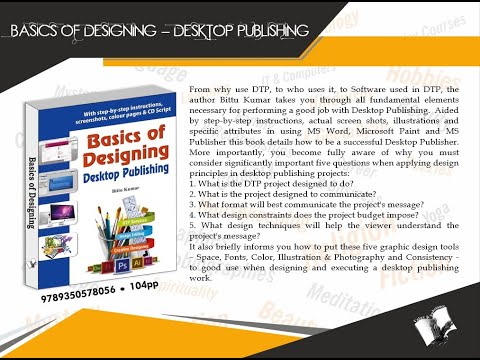
With step-by-step instructions,
screenshots, colour pages & CD Script