

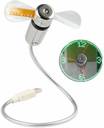
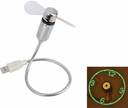
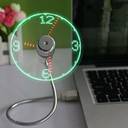
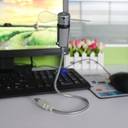
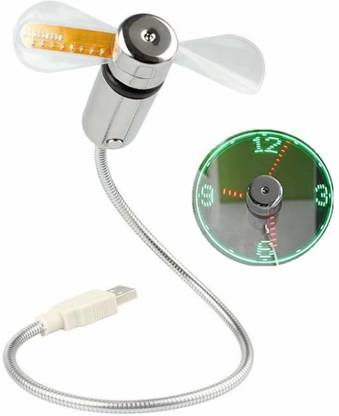
JAZLOG Clock Fan with Real Time Display Function,USB Clock Fans Pack of 1 Clock Fan with Real Time Display Function,USB Clock Fans Pack of 1 USB Fan (Silver)
Price: Not Available
Currently Unavailable
Highlights
- Material: metal
- System Requirements: usb port
- Color: Silver
Important Note
- The colour and design of the delivered product may slightly vary from what's shown in the image, but its functionality remains the same.
Description
Package Content: 1 X USB LED Clock Fan 1. Plug into a USB port and press the ON/OFF switch to turn fan on and to activate the clock display. Press and hold the ON/OFF button until minute hand starts blinking. Setting the hour hand:continue to hold ON/OFF button to set the hour hand.The clock will spin clockwise fast,release the button just before the correct hour. Setting the minute hand:After the hour is set,the minute hand will flash,Click the ON/OFF button to move the minute hand forward to the correct time. Leave for 6 seconds and the time is set.NOTE: Keep your hair,face and eyes away from the rotating fan blades. In order to protect your USB port form damage,be careful not to press hard to the USB connector when adjusting the flexible neck.
Read More
Specifications
| Sales Package |
|
Be the first to ask about this product
Safe and Secure Payments.Easy returns.100% Authentic products.
Back to top