

If you spend long hours on your computer, then an ergonomic mouse is a must-have computer peripheral for you. You can use it with your laptop or desktop to make your computing experience comfortable. A well-designed mouse ensures that you can work for long durations on your computer without straining your wrist and hand. You can choose the best ergonomic mouse for you to enhance your computing experience by applying various filters. With just a few swipes, you can browse through different mice to find the one that suits your preferences. There are numerous brands to choose from, including Portronics, UniBoss, Archer Tech Lab, Zebronics, and Fronix, among others. You can even look for a vertical mouse for improved comfort and convenience. Such upright mice are designed to improve your posture while you are using them. They can reduce strain and discomfort during prolonged use. Whether you are a working professional who has to spend long hours on your computer or a gaming enthusiast who requires a highly responsive ergonomic mouse, you can browse online to find an option that fits your needs. So, place your order online for the suitable mouse and get it delivered to your doorstep.
Ergonomic Mouse
(Showing 1 – 40 products of 3,016 products)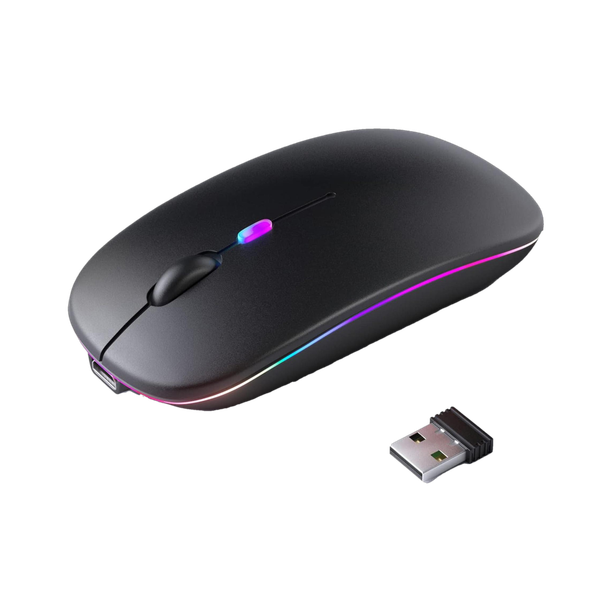
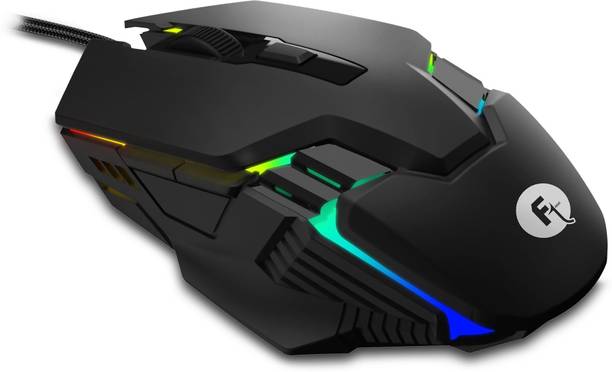
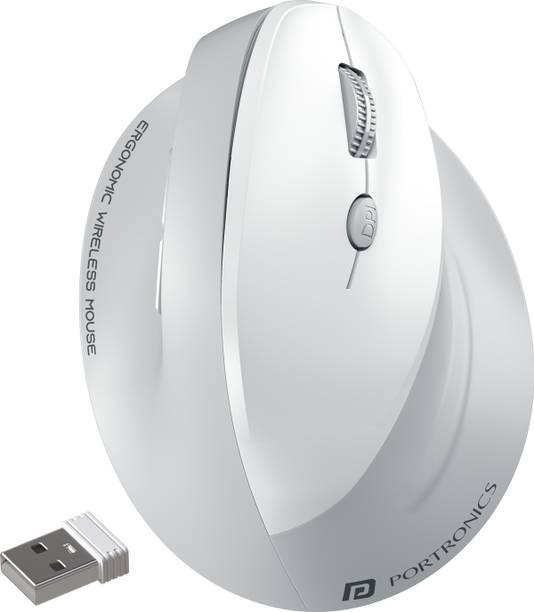

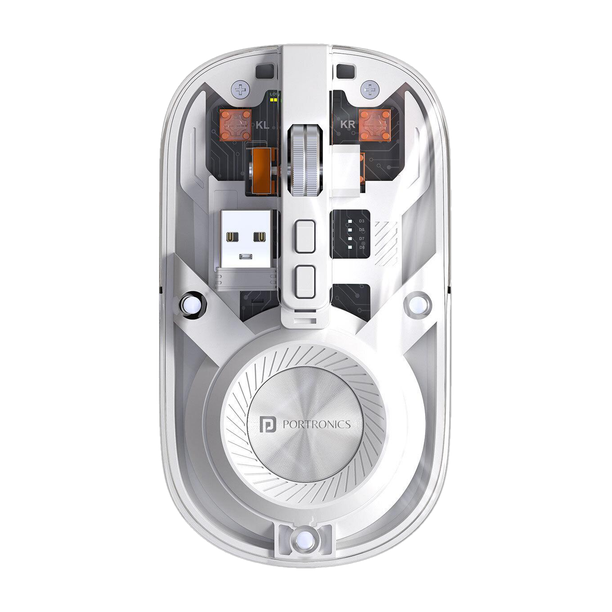

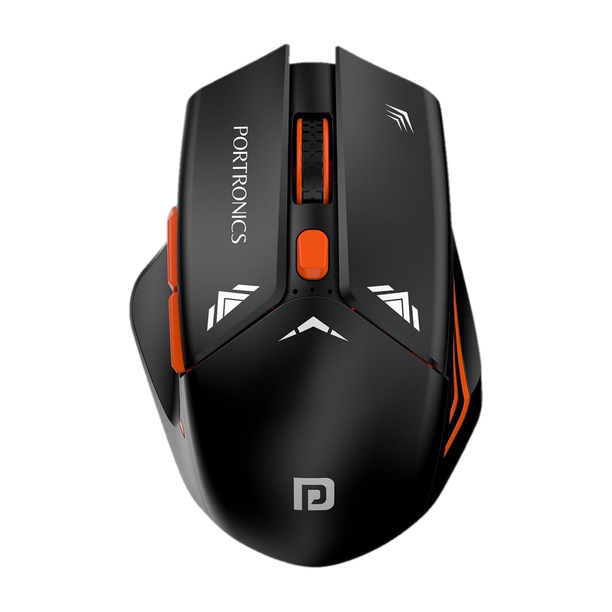
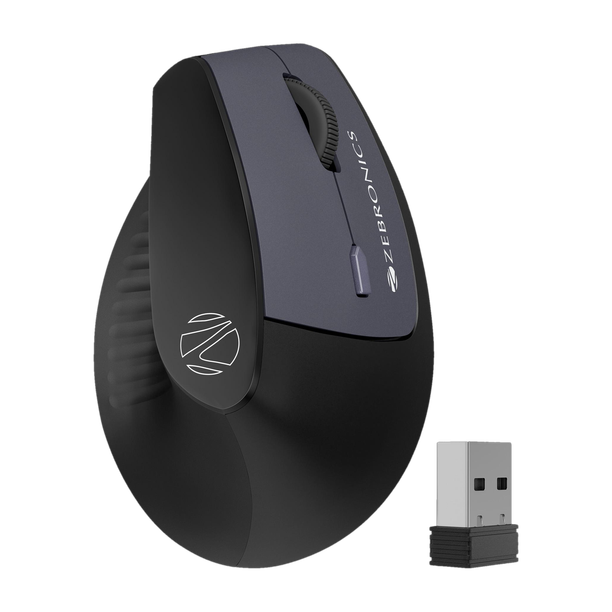
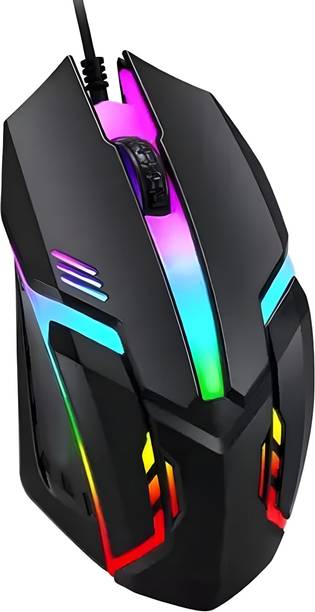
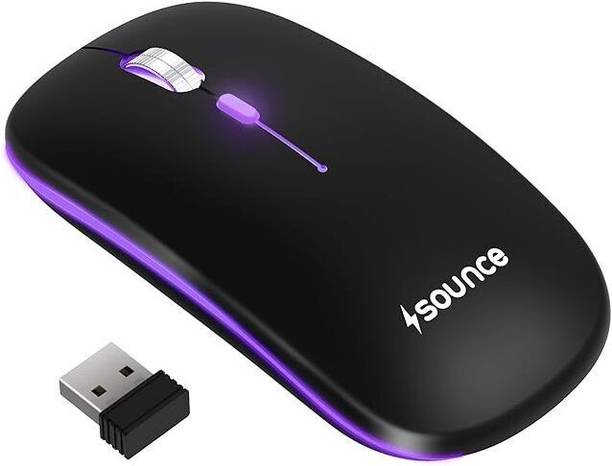
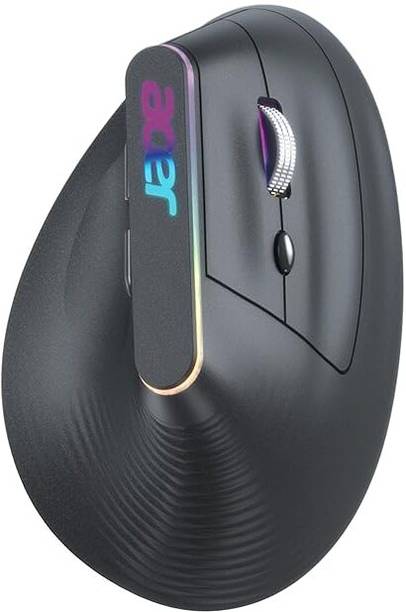
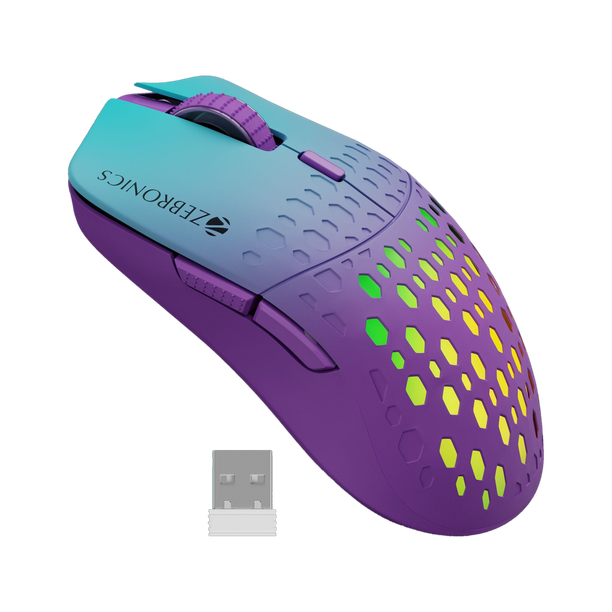
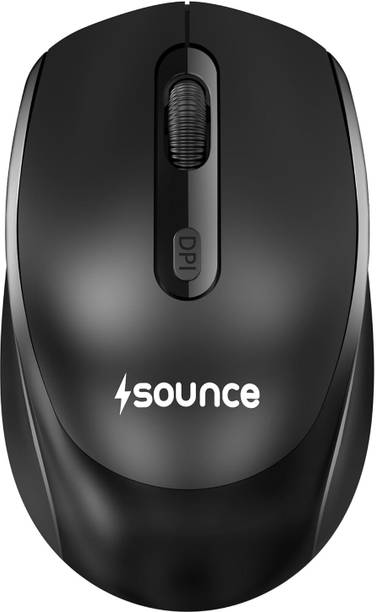
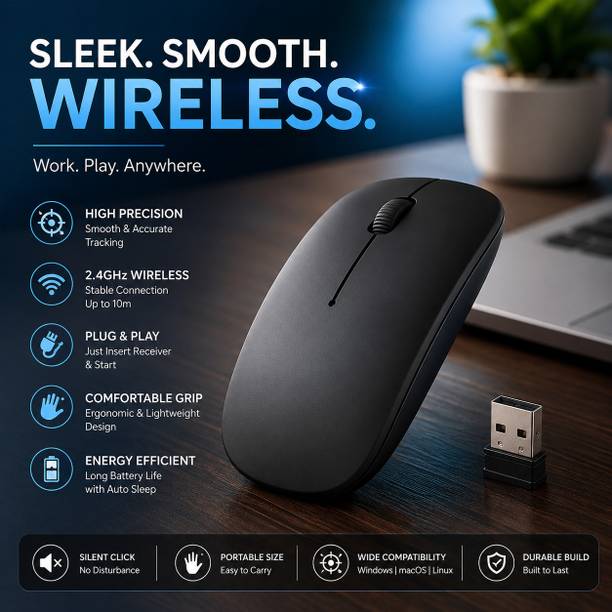
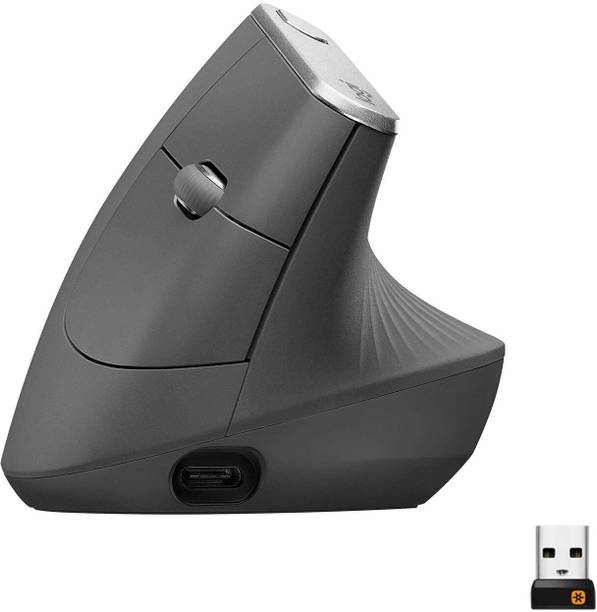
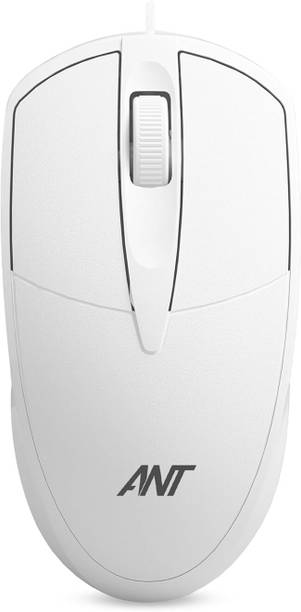
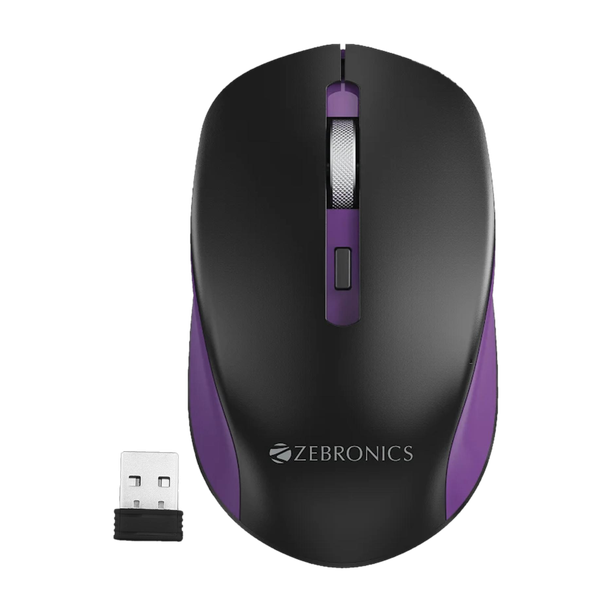
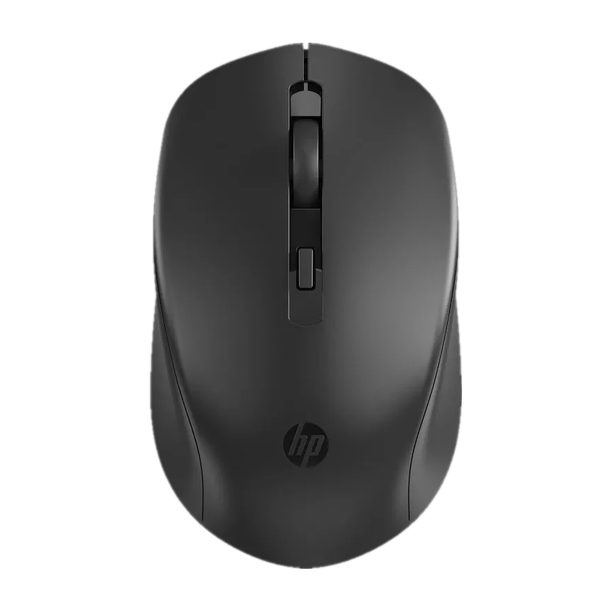

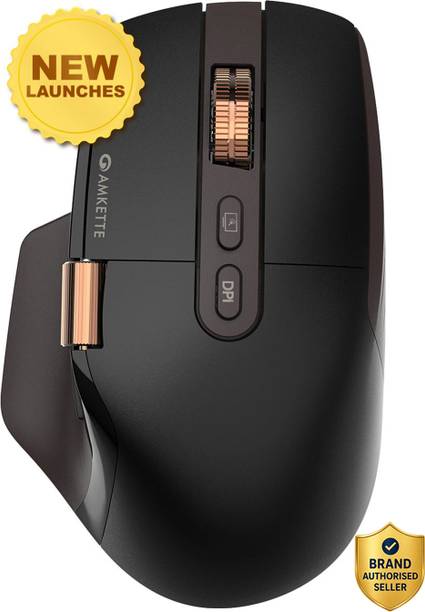
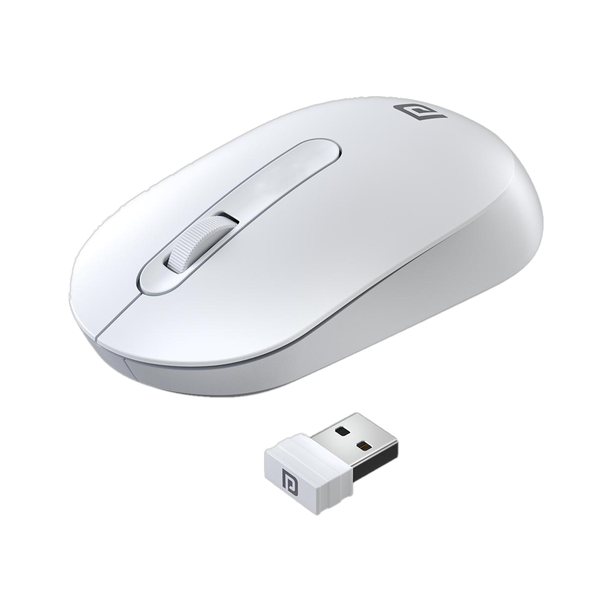
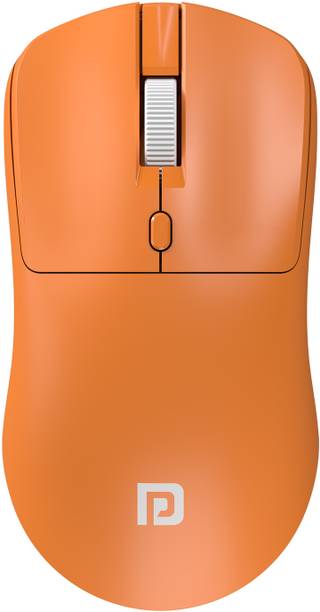
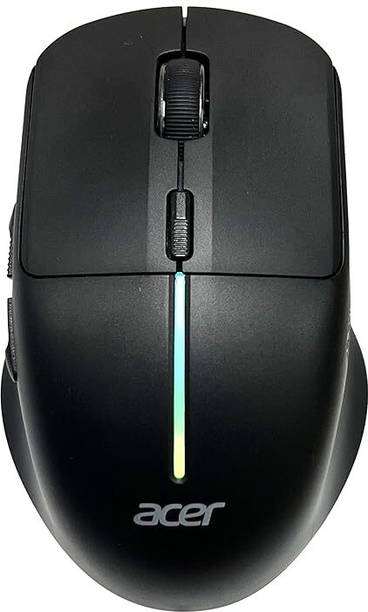
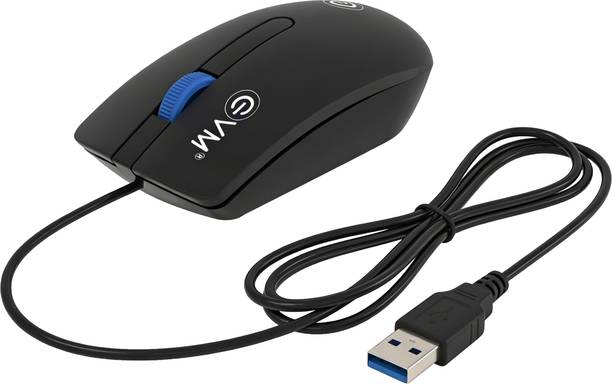
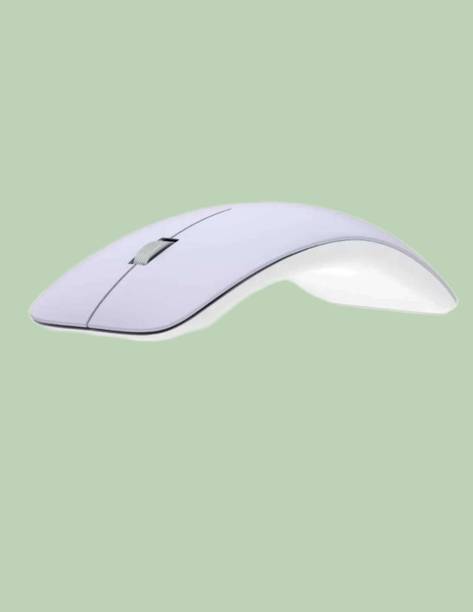
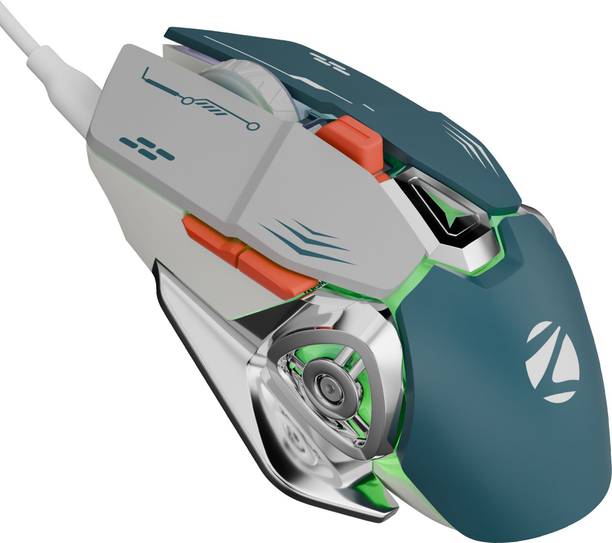
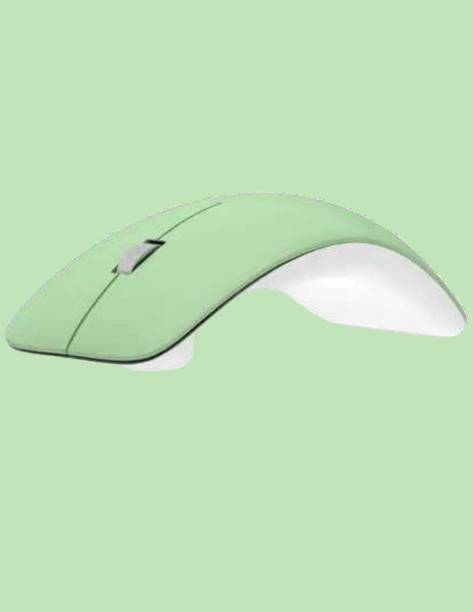
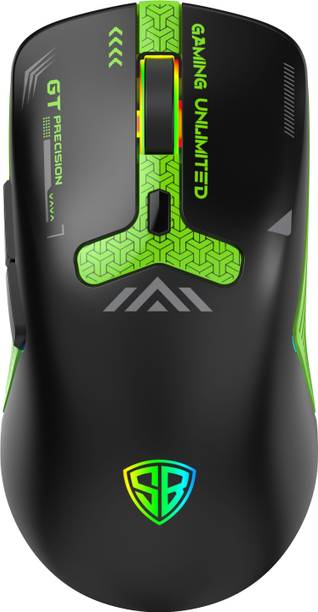
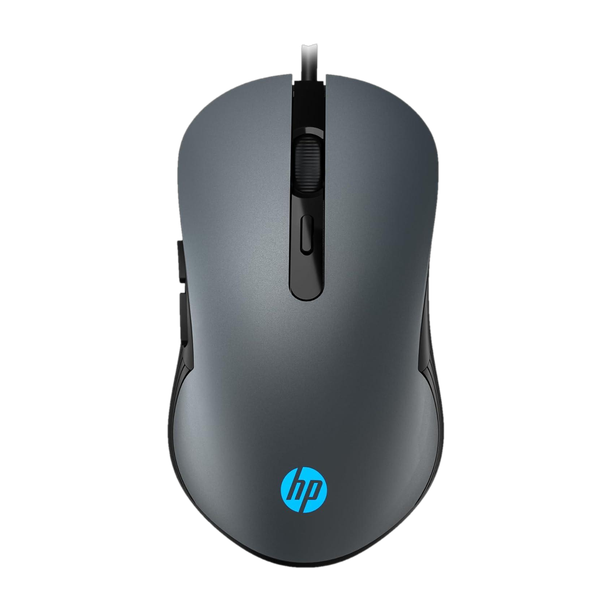
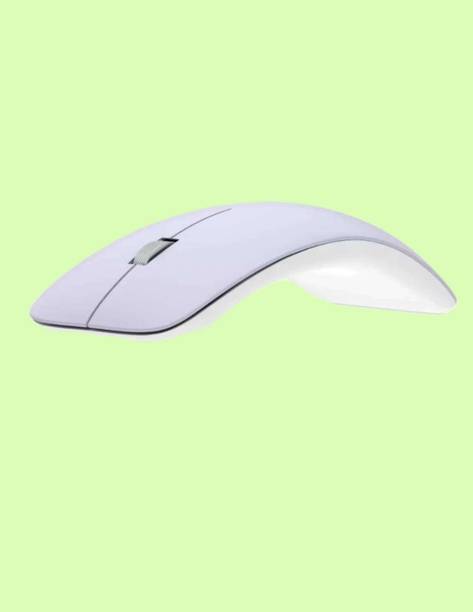
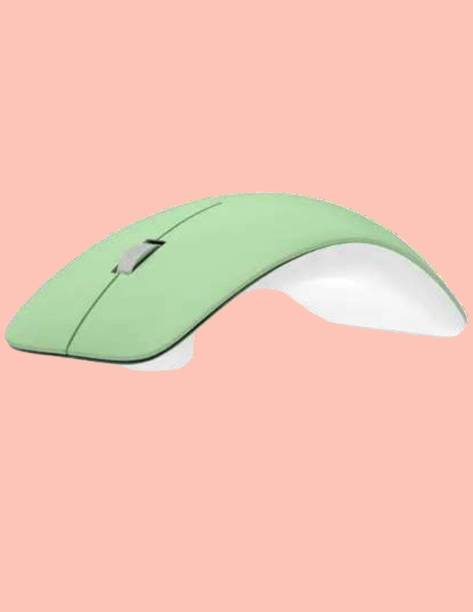
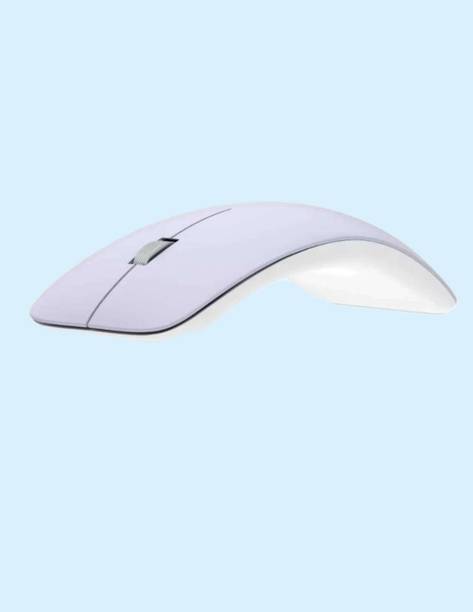
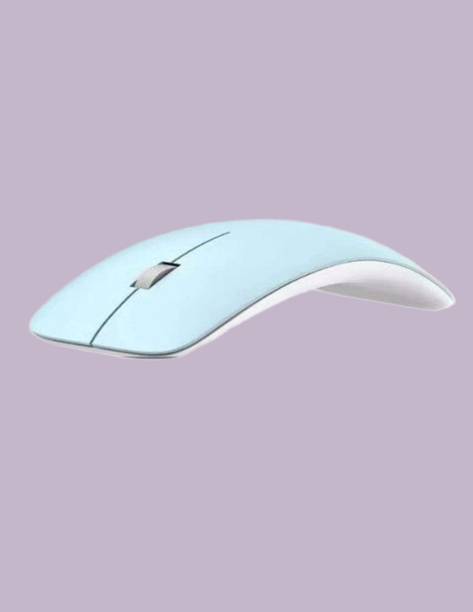
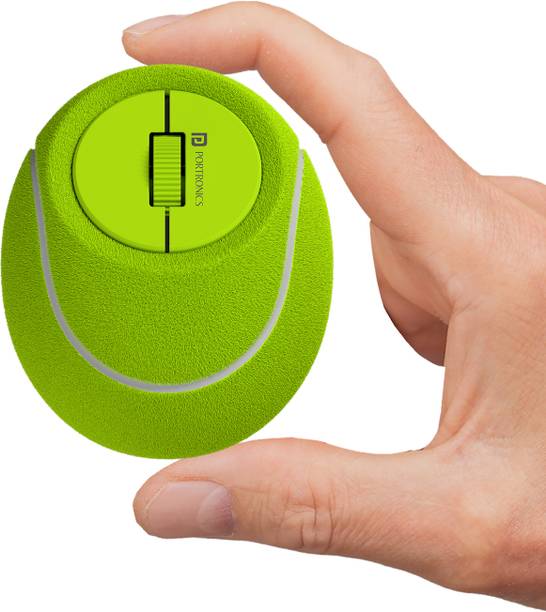
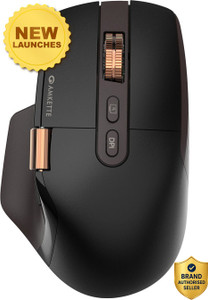
- Wireless
- Interface: Bluetooth, 2.4GHz Wireless, USB 2.0
- Optical Mouse
Highly recommended
Kumar Ankur
Certified Buyer
5 months ago
Must buy!
Sathish Kumar Kannan
Certified Buyer
1 day ago
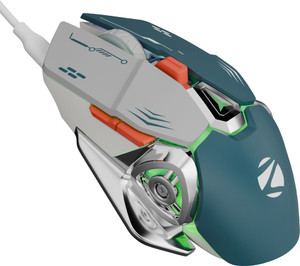
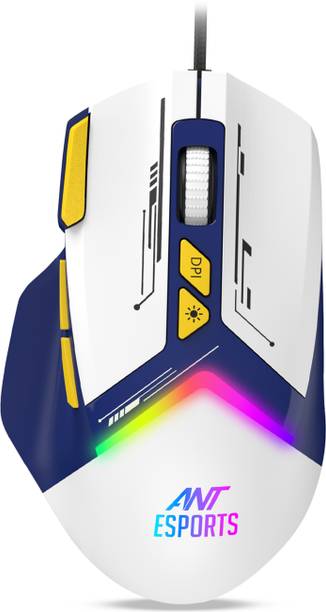
- Wired
- For Gaming
- Interface: USB 2.0
Great Performance, But Slightly Heavy
I have been using this mouse and overall, I am very satisfied with its performance. It works smoothly, and all the features ...
Soumen Mal
Certified Buyer
2 months ago
Awesome
Navneet Kumar
Certified Buyer
2 days ago
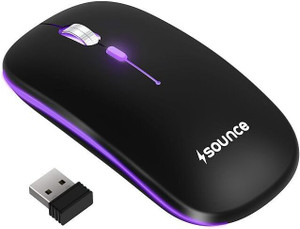
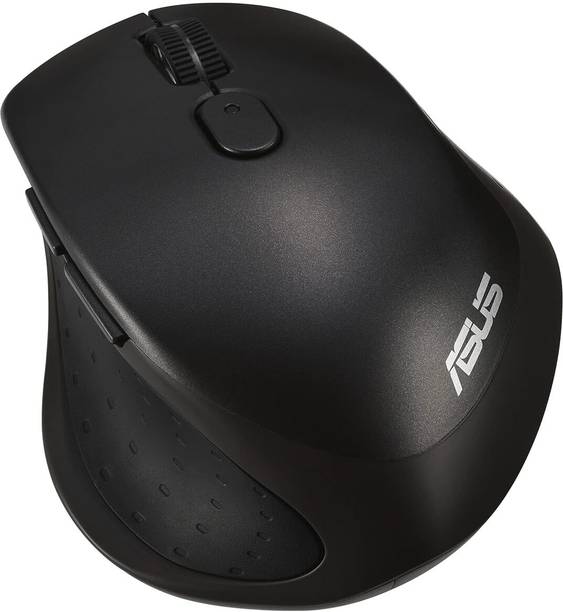
- Wireless
- For Gaming
- Interface: 2.4GHz Wireless
Awesome
Flipkart Customer
Certified Buyer
6 months ago
Best in the market!
Pavan Reddy
Certified Buyer
10 days ago
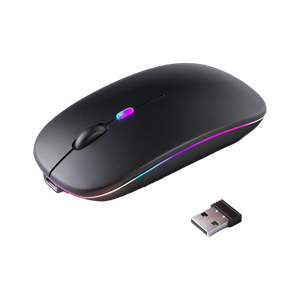
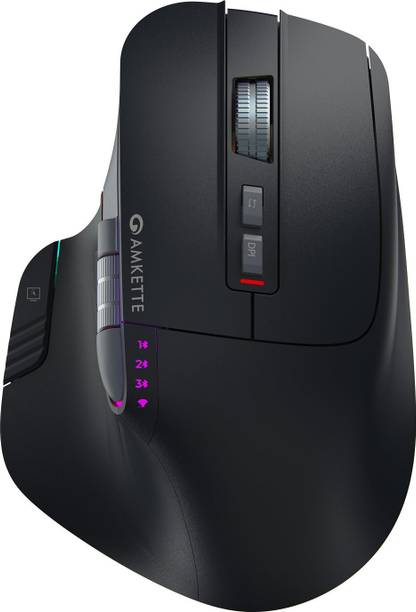
- Wireless
- Interface: 2.4GHz Wireless, Bluetooth
- Optical Mouse
Perfect product!
Only 1 problem is that rgb light..it...
Anshu Modi
Certified Buyer
11 months ago
Waste of money!
Himanshu Maurya
Certified Buyer
1 day ago
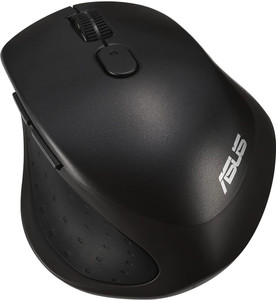
- Wireless
- Interface: Bluetooth
- Optical Mouse
Mind-blowing purchase
Muhammed Rafeeq
Certified Buyer
Aug, 2022
Left click not working
Ganesh Bhamaikar
Certified Buyer
6 months ago